Welcome to the Validator
What's a Validator?
An HTML validator is a tool that is used to determine if a web page complies with HTML standards. For this tutorial, we will use the W3C validator. True, there are others, but this one is the most official.
How to Use the Validator
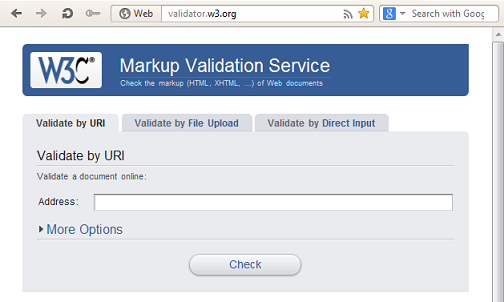
You will notice that there are three ways to enter HTML to be validated:
- Validate by URI
- Enter the URL of the web page to be validated (only works for pages already on the internet)
- Validate by File Upload
- Select an HTML file on your computer
- Validate by Direct Input
- Copy and paste or type html directly into the validator
Just click the check
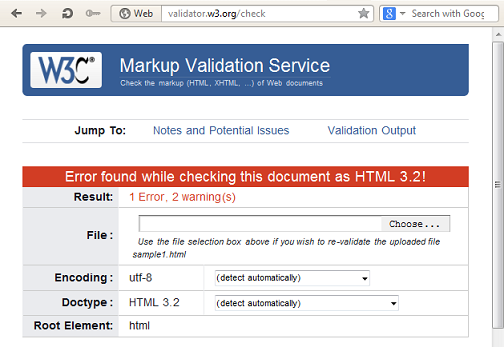
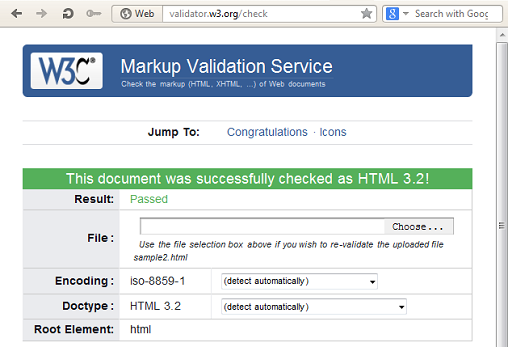
button, and see the results. You should see something like one of these two screens: